🌐 This is the English version. 查看中文原文
This article demonstrates how to embed videos, audio, and galleries in your blog posts.
Video Display
You can easily embed local or remote videos:
Demo Video
This is a demo video
Note: You need to upload video files to the
static/videos/directory (MP4 format recommended).
Audio Playback
Support for MP3 audio playback with a beautiful player interface:

Background Music
Artist
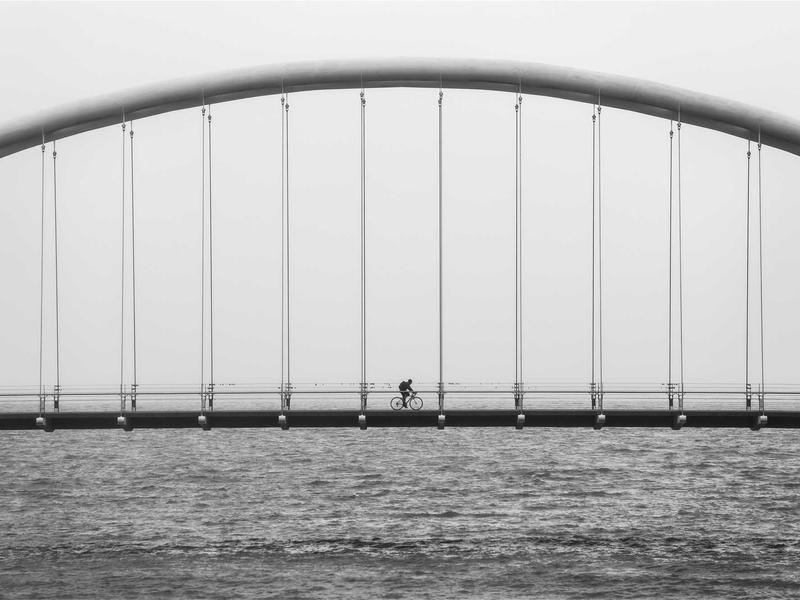
Image Gallery


Instructions
Upload Files
Place multimedia files in the corresponding directories:
- Video:
static/videos/(MP4 format) - Audio:
static/audio/(MP3 format) - Images:
static/img/(JPG, PNG formats)
Shortcode Syntax
Video:
{{< video src="/videos/filename.mp4" poster="/img/cover.jpg" title="Title" >}}
Audio:
{{< audio src="/audio/filename.mp3" title="Title" artist="Artist" >}}
Gallery:
{{< gallery >}}
  {{< figure src="/img/image1.jpg" title="Description" >}}
  {{< figure src="/img/image2.jpg" title="Description" >}}
{{< /gallery >}}
Notes
- Video files should use H.264 encoded MP4 format for best compatibility
- Audio files should use MP3 format
- Large files should be compressed before uploading
- You can use CDN or object storage to host multimedia files
Feel free to leave a comment below!
评论与讨论
这里是公开讨论区:欢迎提问、补充经验或给出改进建议。支持回复形成线程讨论。
登录后参与讨论
提示:邮箱仅用于验证身份与接收回复通知。
加载中...